
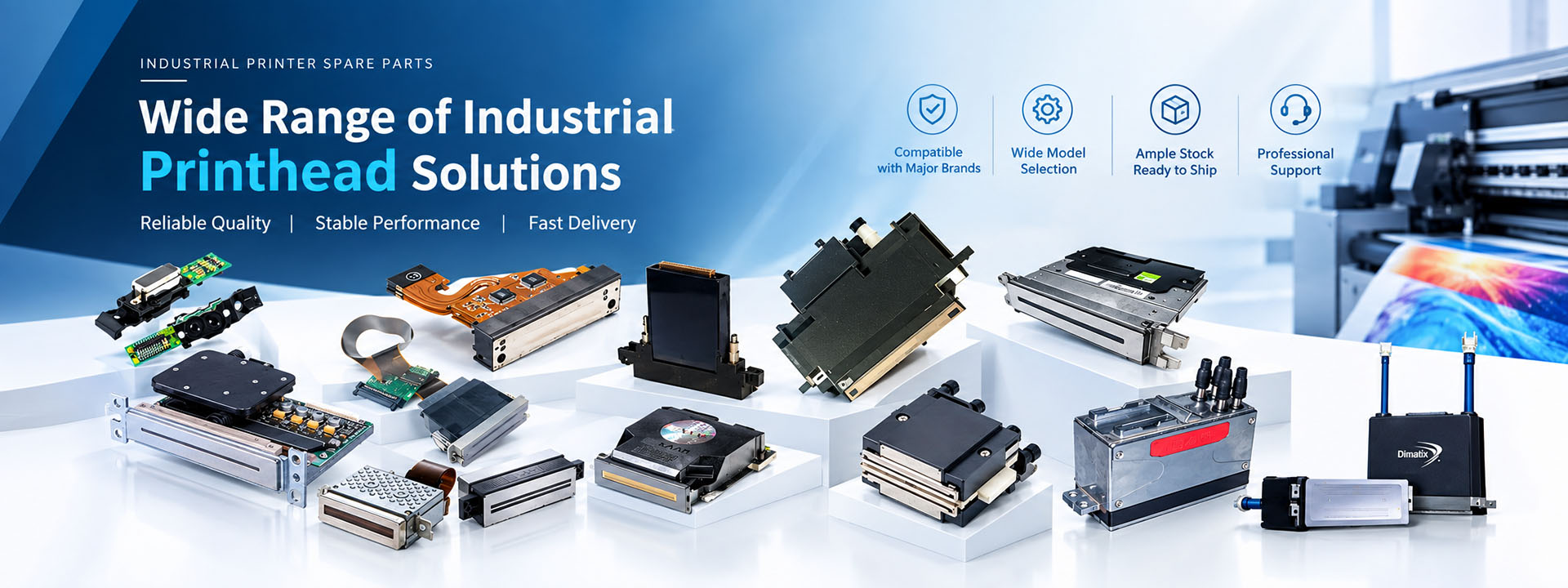
Ceramic printhead clogging is a common problem in industrial tile printing. It can cause white lines, missing colors, uneven ink coverage and unexpected production stops.
Sometimes, a cleaning cycle can restore normal printing. In other cases, the problem comes from ink contamination, unstable pressure or a fault in the ink supply system.
If your ceramic printhead keeps clogging, the first step is to identify the cause rather than repeat the cleaning process.
This guide explains the most common causes of ceramic printhead clogging, how to troubleshoot them and when a printhead may need replacement.
1. What Causes Ceramic Printhead Clogging?
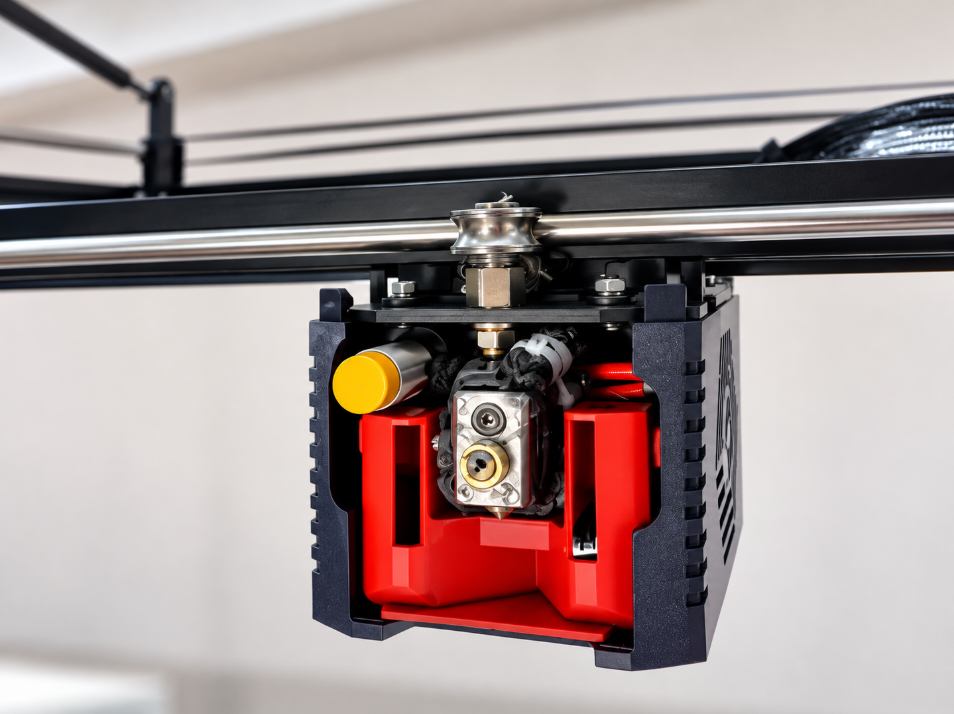
A ceramic inkjet printhead contains many tiny nozzles that eject controlled ink droplets onto ceramic tiles.
Because the nozzle openings are extremely small, even minor contamination or changes in ink condition can affect printing performance.
There are two main types of blockage.
Internal Printhead Clogging
Internal clogging occurs when ink flow is restricted inside the printhead or its ink channels.
Common causes include:
Ink sediment or pigment agglomeration
Contamination inside the ink supply system
Incompatible or deteriorated ceramic ink
Poor ink circulation
Air bubbles affecting ink delivery
Blocked or incorrectly specified ink filters
Ceramic inks contain pigments and other solid particles. If the ink is not properly maintained, particles may settle or form agglomerates that restrict ink flow.
Internal clogging can be difficult to remove, especially when contamination has accumulated over time.
External Nozzle Blockage
External blockage occurs around the nozzle plate.
It may be caused by:
Dried ink on the nozzle surface
Ceramic dust or glaze powder
Moisture from ceramic tile bodies
Ink mist accumulating near the printhead
Improper printhead cleaning
In ceramic production, dust and moisture are particularly important because they can enter the printing area during continuous operation.
A useful first check: If the problem improves after an approved nozzle-cleaning cycle but returns quickly, inspect the printing environment, ink supply and nozzle condition before cleaning again.
2. Why Does My Ceramic Printhead Produce White Lines?
White lines are one of the most common signs of missing or weak inkjet nozzles.
When individual nozzles stop ejecting ink correctly, the printed pattern may show narrow gaps or lighter areas.
However, white lines do not always mean the printhead is permanently damaged.
Possible causes include:
Partially blocked nozzles
Air trapped in the ink system
Incorrect negative pressure
Unstable ink supply
Ink viscosity outside the required range
Electrical or nozzle-driving faults
How to Fix White Lines in Ceramic Printing
Start with a nozzle test or diagnostic print, if supported by your machine.
Then follow these steps:
Identify which printhead or color channel has missing nozzles.
Check the ink level, circulation system and filter condition.
Verify that the negative pressure is within the machine manufacturer’s specified range.
Run the recommended automatic cleaning procedure.
Print another nozzle test to check whether the missing nozzles have recovered.
If the same nozzles remain missing after approved cleaning procedures, further inspection may be necessary.
Do not increase printhead voltage simply to force ink through blocked nozzles. Incorrect electrical settings may damage the printhead.
3. Why Is My Ceramic Printhead Dripping Ink?
Ink dripping is another common problem in ceramic inkjet printing.
It can leave unwanted ink spots on ceramic tiles, contaminate the nozzle plate and interrupt production.
The problem is not always caused by a clogged printhead.
Possible causes include:
Incorrect or unstable negative pressure
Ink supply system faults
Air leaks in ink tubing
Ink accumulation on the nozzle plate
Excessive ink mist
Ink properties outside the specified range
How to Stop Ink Dripping
First, check the negative pressure reading and compare it with the machine’s recommended operating range.
Next, inspect the ink tubing, connections, pumps and filters for leaks or abnormal operation.
If ink has accumulated around the nozzle plate, use the cleaning procedure approved for that printhead model.
Also check the ceramic tile temperature and moisture level.
Hot or damp tile bodies may release moisture into the printing area, increasing the risk of contamination.
Avoid making large pressure or voltage adjustments without following the machine manufacturer’s instructions.
4. Can Ceramic Ink Cause Printhead Clogging?
Yes. Ink condition is one of the most important factors affecting printhead performance.
Ceramic ink contains finely dispersed pigments. If the dispersion becomes unstable, particles may settle or form larger agglomerates.
These particles can block filters, restrict ink channels or affect nozzle performance.
Several ink-related problems should be checked.
Ink Sedimentation
When ceramic ink remains stationary for extended periods, pigment particles may settle.
Poor circulation or inadequate agitation can make the problem worse.
Check whether the ink circulation and agitation systems are operating according to the ink supplier’s recommendations.
Incorrect Ink Viscosity
Ink viscosity affects how easily ink flows through the printhead.
Viscosity can change with temperature and ink formulation.
If the ink is outside the required operating range, the printhead may experience unstable jetting or missing nozzles.
Ink Contamination
Dust, foreign particles or residues from maintenance work can enter the ink system.
Contamination may occur when replacing:
Ink tubing
Pumps
Filters
Ink tanks
Other ink-contact components
Use compatible, properly cleaned replacement parts and follow the equipment manufacturer’s maintenance procedures.
Important: Never mix different ceramic inks or cleaning fluids unless their compatibility has been confirmed by the relevant suppliers.
5. How Do I Clean a Clogged Ceramic Printhead?
The correct cleaning method depends on the printhead brand, model and ink type.
For example, Xaar ceramic printheads may require different maintenance procedures from other industrial inkjet printheads.
Using the wrong cleaning liquid or excessive pressure can cause permanent damage.
Step 1: Check the Nozzle Test
Before cleaning, print a nozzle test to identify missing or unstable nozzles.
This provides a reference for evaluating whether the cleaning procedure works.
Step 2: Run the Automatic Cleaning Cycle
Use the cleaning or purge function recommended by the printer manufacturer.
After cleaning, perform another nozzle test.
If the missing nozzles recover, continue monitoring print quality during production.
Step 3: Inspect the Ink Supply System
If cleaning does not solve the problem, check:
Ink circulation and supply pumps
Ink filters
Ink temperature
Negative pressure
Air bubbles and leaks
Ink condition
A supply problem can produce symptoms similar to a blocked printhead.
Step 4: Inspect the Nozzle Plate
If the equipment manufacturer permits manual cleaning, use only approved materials and procedures.
Do not scrape the nozzle plate or use ordinary workshop cloths.
Avoid repeated rubbing or applying excessive pressure to the nozzle surface.
Step 5: Contact a Technician if the Problem Continues
If the same nozzles remain blocked, stop repeating cleaning cycles without diagnosing the cause.
Persistent nozzle failure may require professional inspection or printhead replacement.
Do not reverse ink flow, flush the printhead with compressed air or change driving voltage unless the specific procedure is authorized for your equipment.
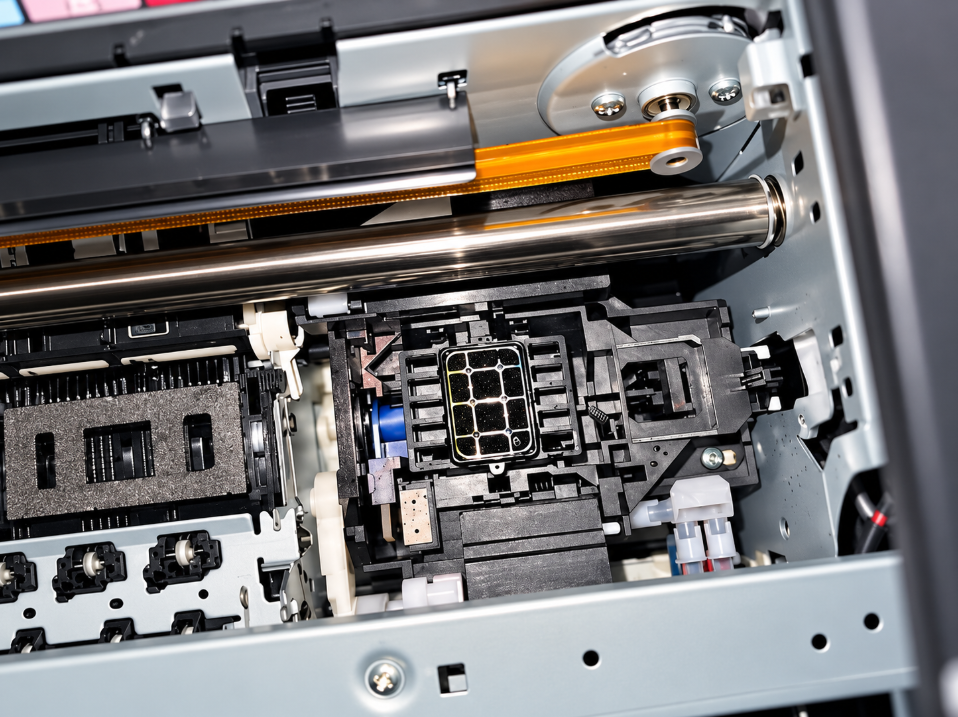
6. Why Does My Ceramic Printhead Keep Clogging After Cleaning?
If your printhead works briefly after cleaning but becomes blocked again, the underlying problem may still be present.
Common reasons include:
Contaminated ink: Particles continue entering the printhead from the ink system.
Poor filtration: The filter is damaged, blocked or unsuitable for the ink and equipment.
Unstable ink circulation: Ink is not supplied consistently during production.
Dusty printing environment: Ceramic dust and glaze particles accumulate around the nozzle plate.
Incorrect operating conditions: Ink temperature, viscosity or negative pressure is outside the required range.
Printhead deterioration: Nozzle damage or internal faults prevent stable ink ejection.
Instead of repeatedly cleaning the printhead, check these conditions systematically.
A printhead that clogs every day may indicate a problem with the ink supply system rather than the printhead alone.
7. Ceramic Printhead Troubleshooting Guide
Use the following table to identify possible causes before replacing a printhead.
| Problem | Possible Cause | Recommended Check |
| White lines | Missing or blocked nozzles | Run a nozzle test and approved cleaning cycle |
| Ink dripping | Unstable negative pressure or nozzle contamination | Check pressure, tubing and nozzle plate |
| Repeated clogging | Ink contamination or poor filtration | Inspect ink, filters and circulation |
| Uneven color | Ink viscosity or supply instability | Check ink temperature and supply conditions |
| Missing ink during printing | Air bubbles or insufficient ink supply | Inspect pumps, ink level and air removal system |
| Dark lines | Nozzle overlap, jetting or electrical faults | Check alignment and printhead diagnostics |
| Missing image sections | Printhead control or electrical faults | Inspect cables and control system |
| Clogging after shutdown | Ink drying or inadequate standby maintenance | Review shutdown and restart procedures |
These symptoms can have more than one cause. Always confirm the diagnosis using the printer’s maintenance and diagnostic procedures.
8. How to Prevent Ceramic Printhead Clogging
Preventive maintenance is often more effective than repeated emergency cleaning.
For ceramic tile production lines, focus on the following areas.
Maintain Ink Quality
Use ceramic inks approved for the printhead and printing system.
Monitor ink condition, storage requirements and circulation performance.
Keep the Printing Area Clean
Reduce ceramic dust and glaze powder entering the printing chamber.
Where suitable, filtered positive-pressure ventilation can help limit airborne contamination.
Tile bodies should also be sufficiently clean and dry before entering the printing area.
Monitor Ink Temperature and Pressure
Keep ink temperature and negative pressure within the operating limits specified for the equipment.
Sudden changes can affect ink flow and droplet formation.
Follow a Regular Maintenance Schedule
Inspect the ink filters, pumps, tubing and nozzle condition at appropriate intervals.
Record nozzle test results and recurring faults to identify patterns before they cause extended downtime.
Follow Proper Shutdown Procedures
Long shutdown periods can increase the risk of ink settling or drying.
Follow the printer and printhead manufacturers’ approved standby, shutdown and restart procedures.
9. When Should You Replace a Ceramic Printhead?
Not every clogged ceramic printhead needs replacement.
Many printing problems can be corrected by cleaning the nozzle plate, restoring stable ink supply or adjusting the system within approved operating limits.
However, replacement may be necessary when:
The same nozzles remain missing after proper maintenance.
Print quality remains unstable despite verified ink supply conditions.
The nozzle plate has visible physical damage.
The printhead has confirmed electrical faults.
An authorized technician determines that internal damage cannot be repaired economically.
Before ordering a replacement, confirm the exact printhead model and part number.
Printheads with similar names may have different ink compatibility, electrical connections or operating requirements.
For example, when replacing a Xaar 1003 ceramic printhead, verify the exact model variant rather than ordering by the Xaar 1003 series name alone.
10. Choosing a Replacement Ceramic Printhead
If your ceramic printhead cannot be restored, selecting the correct replacement is essential.
Lemsun Tech supplies industrial inkjet printheads and replacement parts for printing equipment, including ceramic printing applications.
When requesting a replacement, provide:
Printhead brand and model
Exact part number or label photo
Printer brand and model
Ink type and application
Quantity required
Photos of the existing printhead, if available
These details help confirm compatibility and reduce the risk of ordering the wrong component.
Need a replacement ceramic printhead?
Contact Lemsun Tech with your printhead model or a photo of the original label. Our team can help check model availability and replacement options for your industrial printing equipment.
Frequently Asked Questions
Can a clogged ceramic printhead be repaired?
Some nozzle blockages can be removed using approved cleaning procedures. However, permanent nozzle damage or electrical failure may require replacement.
Why does my ceramic printhead clog every day?
Repeated clogging may be caused by ink contamination, unstable circulation, poor filtration, environmental dust or incorrect operating conditions. Inspect the entire ink supply system rather than cleaning the printhead repeatedly.
Can I use alcohol to clean a ceramic printhead?
Do not use alcohol or other cleaning chemicals unless the printhead manufacturer explicitly approves them for the specific model and ink. Incompatible solvents can damage printhead components.
Can incorrect negative pressure cause missing nozzles?
Yes. Incorrect or unstable negative pressure can interfere with ink delivery and droplet formation, producing symptoms that resemble nozzle blockage.
How often should I clean a ceramic printhead?
Cleaning frequency depends on the printhead, ceramic ink, operating environment and production schedule. Follow the equipment manufacturer’s maintenance instructions and use nozzle tests to evaluate printhead condition.
Ceramic printhead clogging can result from ink contamination, pigment sedimentation, external dust, unstable ink pressure or printhead damage.
The most effective solution is to identify the source of the problem before repeatedly cleaning or replacing the printhead.
Regular ink system maintenance, clean operating conditions and correct printhead handling can help reduce nozzle failures and production interruptions.
If your ceramic printhead continues to show missing nozzles after proper troubleshooting, Lemsun Tech can help you identify a suitable replacement model.
Post time: Oct-12-2026